Magnifind app icon

Search your screenshots by content

Find any screenshot by what’s inside it.

Magnifind searches your screenshots by their real content the text and the imagery, not the file name. Everything runs on your Mac. Nothing is ever uploaded.

Download for macOS
100% on-device Free Requires macOS 14 or later
The difference

You don’t remember the file name.
You remember what’s in it.

Finder and other tools only match file names. Magnifind reads the text and understands the imagery in every shot so plain language finds it, instantly.

Searching by file name
Screenshot 2026-05-23 at 3.50.png
CleanShot 2026-04-11 at 09.12.png
IMG_4821.PNG
Screen Recording 2026-02-02.mov
Which one had the error message? Good luck.
Searching by content
Found in milliseconds, all on your Mac.
Menu bar · ⌘⌥F

A keystroke away, from any app.

Magnifind lives in your menu bar. Press ⌘⌥F anywhere and a search panel drops in over whatever you’re doing find a screenshot and drag it out without switching apps.

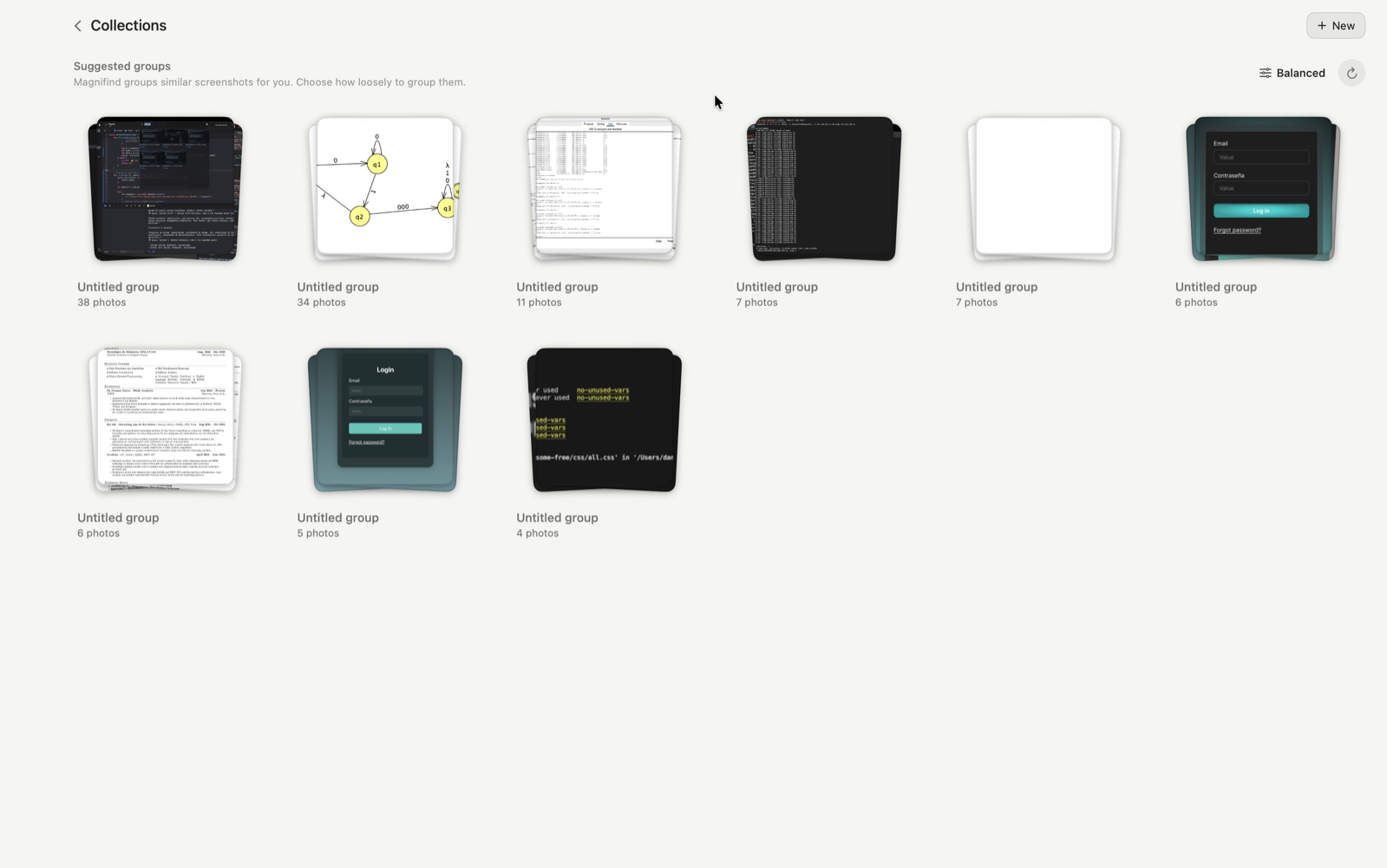
Collections

Organizes itself.

Magnifind groups similar screenshots into suggested collections automatically receipts, errors, designs so your library stays tidy with no manual tagging.

Magnifind Collections  suggested groups of similar screenshots
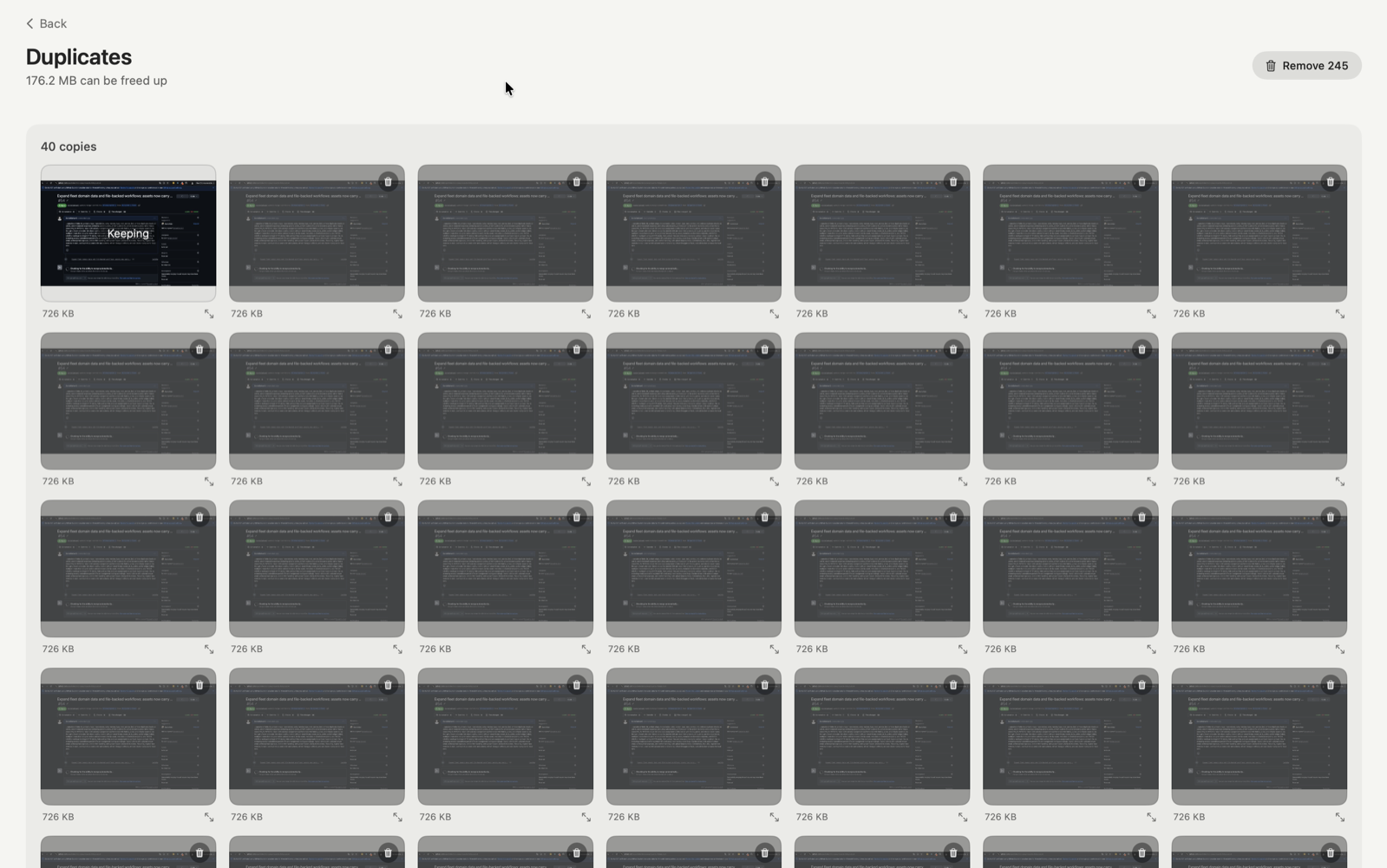
Duplicates

Spot duplicates. Reclaim space.

Magnifind finds near-identical screenshots and shows how much space you’d save. Keep one of each and send the rest to the Trash in a couple of clicks.

Magnifind Duplicates  near-identical screenshots and space to reclaim
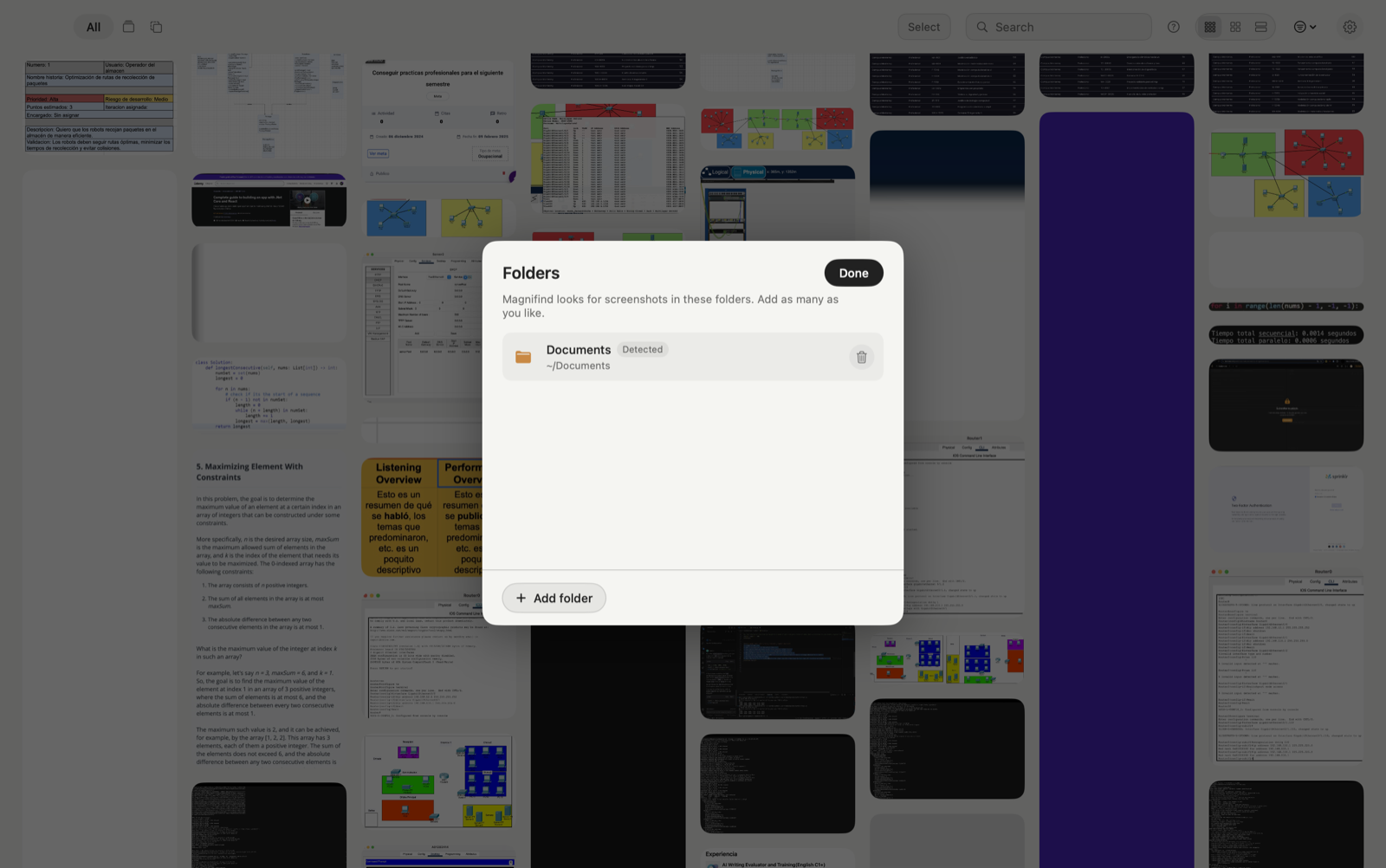
Always current

Watches your folders.

Point Magnifind at your screenshot folders and it keeps the index up to date automatically as you capture nothing to re-run.

Magnifind watching your screenshot folders
Privacy

Private by design.
Everything stays on your Mac.

OCR, AI descriptions, indexing, and search all happen locally. Magnifind has no servers, no accounts, and no tracking. Your screenshots never leave your device.

On-device OCR Local AI descriptions No uploads No accounts No tracking

Stop digging through screenshots.

Download for macOS

100% on-device Free Requires macOS 14 or later